Canva Promo Code 2026: Cheaper Canva Pro, Free Trial & Free Plans
Be the first to rate this offer
Promo offer

Canva
Cheaper Canva Pro + free trialValid on Canva • Click to claim the offer
About this offer
- No public Canva promo code: ~90% of codes online are fake or expired
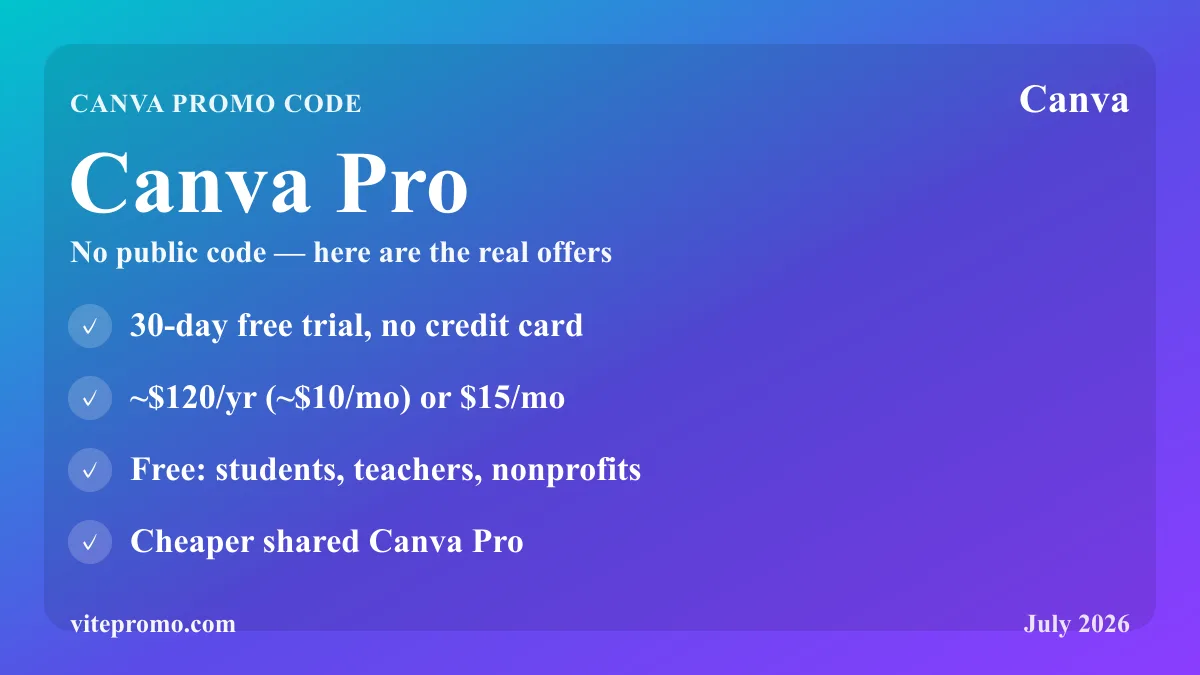
- 30-day Canva Pro free trial, no credit card (new accounts), activated on Canva
- Canva Pro: ~$15/month or ~$120/year (annual is much cheaper than monthly)
- Free for teachers and students (Canva for Education), nonprofits, and many university students
- Cheaper Canva Pro via a shared subscription (our partner link): full Pro access for less
Click the promo link to access the Cheaper Canva Pro + free trial on Canva. This offer is verified and regularly updated.
How to activate a Canva promo code or the free Pro trial?
The reality about Canva promo codes: around 90% of the codes shown online don't work. Canva doesn't hand out public coupons in the classic sense. What people call a "Canva promo code" actually maps to a few specific offers — several of which are completely free.
30-day Canva Pro free trial: the main offer for every new user. No code to enter — create your account on Canva, then start the Pro trial from "Try Canva Pro". No credit card is required during the 30 days.
Free for eligible users: teachers and students via Canva for Education, nonprofits via Canva for Nonprofits, and many university students whose school has partnered with Canva (several universities have offered free Canva Pro to students since late 2025).
Cheaper Canva Pro: to keep Canva Pro long-term without paying full price, our partner link leads to a shared Canva Pro subscription (via GamsGo) — full Pro access for less (up to ~70% cheaper than monthly). It's a pooled subscription managed by a third party, separate from the official offers above; other subscription-sharing services like Spliiit work the same way.
Click "Get it" to access the cheaper Canva Pro offer, or start the free 30-day trial directly on Canva.
Create a Canva account and activate the Pro trial in 5 minutes
Signing up for Canva is free and takes a few minutes: create your account with your email, Google or Apple, then jump straight into the online editor — no download required.
To activate the 30-day Canva Pro free trial: go to "Try Canva Pro" from your dashboard and start the trial period. No credit card is required during the 30 days — you decide whether to move to the paid plan (or not) at the end.
The trial unlocks the full set of Pro features: premium library of photos, videos and music, one-click background removal, automatic resizing, Brand Kit, and advanced AI tools (Magic Design, Text to Image).
Canva Free vs Canva Pro: what you actually unlock
Canva's free plan is already very capable — one reason for its success. But Canva Pro unlocks features that matter for intensive or professional use.
Pro notably adds:
- +100 million premium elements (photos, videos, music, exclusive fonts)
- Background Remover: one-click background removal
- Magic Resize: adapt a design to every format without redoing it
- Brand Kit: save your colours, fonts and logos for perfect visual consistency
- Content scheduling: publish directly from Canva to Instagram, LinkedIn, TikTok...
- Advanced AI tools: Magic Design, Magic Edit, Text to Image
All available Canva discounts (trial, annual billing, Education/Nonprofits/Startups offers) apply to the Pro subscription.
Canva pricing: a recap of the 2026 plans
| Plan | Price | For whom? |
|---|---|---|
| Canva Free | $0 | Light personal use |
| Canva Pro | $15/mo or ~$120/yr (~$10/mo) | Creators, freelancers, small businesses |
| Canva Teams | Per user (teams) | Collaborative work |
| Canva Business | Launched late 2025 | Marketers and small teams |
| Canva Enterprise | Custom quote | Large organisations |
| Canva for Education | Free | K-12 teachers and students |
| Canva for Nonprofits | Free | Verified nonprofits |
Billed annually, Canva Pro is ~$120/year (~$10/month) versus $15/month on monthly billing — a clear saving over the year, with no code needed. It's the simplest Canva discount.
In October 2025, Canva launched Canva Business, a tier between Canva Pro and Canva Enterprise (more AI tools, more storage, and a discount on print orders). Don't confuse it with a supposed "Canva Pro+": the official name of this new tier is Canva Business.
Instant activation and managing your Canva subscription
Canva Pro activates instantly once payment or the free trial is confirmed — every premium feature is available immediately, with no processing delay.
At the end of the 30-day trial, if you don't subscribe to Pro, your account automatically reverts to the free plan. Your designs aren't deleted, but premium elements used in them are flagged as inaccessible.
For annual subscriptions, renewal is automatic on the anniversary date. Remember to turn off the option if you want to stop — Canva sends a reminder before renewal. A Canva discount applied at first sign-up does not automatically carry over to renewal.
"Canva promo code": why most of them don't work
It's one of the most frequent searches around design tools: "Canva promo code", "Canva coupon"... The reality is simple: Canva doesn't distribute public promo codes. Codes shown on most coupon sites are expired or never existed.
The real Canva discount routes that do exist:
- 30-day trial (the only universal offer, no code required)
- Annual billing (much cheaper than monthly, always available)
- Canva for Education (Pro free for K-12 teachers and students)
- Canva for Nonprofits (Pro free for verified nonprofits)
- Canva for Startups (12 months of Pro free for eligible startups)
The most reliable "Canva promo code" is our trial link — 30 days of Pro free, no credit card.
Which Canva plans do the discounts apply to?
The 30-day free trial applies exclusively to Canva Pro — not Canva Teams, Canva Business or Canva Enterprise. The Education, Nonprofits and university-partnership offers grant free Canva Pro access to eligible profiles.
Annual billing (~$120 instead of $15/month) is the most accessible built-in Canva discount: it applies to Canva Pro and renews each year while you stay annual. Canva Teams and Canva Business can also be billed annually.
Free-plan users get no subscription discount, but Canva Free remains one of the most generous plans among visual design tools. For cheaper paid Pro access, the shared subscription (our partner link) is the most economical option.
Canva Pro vs competitors: why choose Canva?
| Criterion | Canva Pro | Adobe Express Pro | Figma |
|---|---|---|---|
| Price/yr | ~$120 | ~$100 | ~$180 |
| Ease of use | Very easy | Easy | Technical |
| Built-in library | Very large | Large | Limited |
| AI tools | Yes (Magic Design...) | Yes | In development |
| Collaboration | Yes | Yes | Native |
Canva Pro stands out for its near-zero learning curve and premium resource library — a decisive advantage if you're not a trained designer. Its built-in scheduling for TikTok and other networks is especially useful for content creators. For students building presentations or documents, Pimido offers a complementary academic-resources service.
Canva Pro review: honest strengths and limits
Canva Pro is today the most widely used visual design tool in the world among non-designers. Its AI features (Magic Design, Background Remover, Text to Image) have radically expanded what an untrained user can produce alone.
Its strengths: the resource library (photos, videos, fonts, templates) is unmatched at this price, the collaboration tools make teamwork easy, and built-in scheduling saves you a third-party tool.
Its main limit: Canva isn't a professional design tool in the strict sense — experienced designers prefer Figma or Adobe for technical precision. For communications, marketing and social media, Canva Pro is more than enough.
What to know before upgrading to Canva Pro
The 30-day trial is commitment-free — but remember to cancel before day 30 if you don't want to move to the paid plan. Canva sends a reminder a few days before the trial ends.
Canva Pro is tied to your email account. If you change address or login method, check the subscription follows the right account so you don't lose Pro access.
Designs created with premium elements stay visible after cancellation, but some elements show a watermark if you revert to the free plan. Export your work in high resolution before cancelling to keep usable versions.
Canva Print promo codes: business cards, posters, flyers
Unlike Pro subscriptions, Canva Print — Canva's printing service (business cards, posters, flyers, stickers...) — is the only part of Canva where real, occasional discount codes actually circulate: first print-order discounts, seasonal offers, or reduced shipping.
These Canva Print codes mostly appear around key retail moments (back-to-school, holidays) and through the Canva newsletter. They're temporary and change often — be wary of coupon sites showing a permanent "50% off Canva", which is almost always fake.
Good to know: the Canva Business tier includes a discount on print orders, handy if you order printed materials regularly. And for creators selling online, Systeme.io complements Canva well for sales funnels and email.
Canva's history and recent developments
Canva was founded in 2013 in Australia and quickly established itself as the accessible alternative to Adobe suites. The Pro plan launched in 2019 and its features have grown ever since.
In 2024-2025, Canva invested heavily in AI: Magic Design, Magic Write, Magic Edit, Text to Image... These AI features are included in Canva Pro at no extra cost — a strong competitive position against Adobe Firefly or paid specialist AI tools.
In late October 2025, Canva launched Canva Business (a new tier between Pro and Enterprise) and unveiled its "Creative Operating System", while expanding supported formats (presentations, websites, videos, print...). We update this page with every significant Canva pricing change or new offer.
Frequently asked questions
Does Canva have a working promo code?
Canva doesn't issue public promo codes — most codes online are expired or fake. The real offers are a 30-day Canva Pro free trial (no card needed), cheaper annual billing, and free Pro for Education, Nonprofits and eligible Startups.
Is the Canva Pro free trial really free?
Yes — the 30-day Canva Pro trial requires no credit card and gives full access to premium features. If you don't subscribe, your account reverts to the free plan automatically. Remember to cancel before day 30 if you don't want the paid plan.
How much does Canva Pro cost?
Canva Pro is $15/month, or about $120/year on annual billing (~$10/month) — so annual saves a clear amount over the year versus monthly, with no code. Canva Teams is billed per user, and in October 2025 Canva added Canva Business (a tier between Pro and Enterprise). There's no plan called "Canva Pro+". The free plan stays very generous.
What does Canva Pro add over the free plan?
Pro unlocks 100M+ premium elements, one-click Background Remover, Magic Resize, Brand Kit, content scheduling to social networks, and advanced AI tools (Magic Design, Text to Image). The free plan is capable but lacks these premium and AI features.
Can I get Canva Pro free as a teacher or nonprofit?
Yes — Canva for Education gives free Pro to verified K-12 teachers and students, and Canva for Nonprofits gives free Pro to verified organisations. Eligible startups can also get 12 months of Pro free via Canva for Startups.
What happens to my designs if I cancel Canva Pro?
Your designs stay visible, but premium elements used in them may show a watermark once you revert to the free plan. Export your work in high resolution before cancelling to keep clean, usable versions.
Canva Pro or Adobe/Figma?
Canva Pro wins on ease of use and its built-in premium library — ideal for non-designers doing marketing and social content. Figma and Adobe suit professional designers needing technical precision. For most communications work, Canva Pro is enough.
Does the annual discount apply at renewal?
Annual billing is always cheaper than monthly (~$120/yr vs $15/mo), and that applies each year you stay on annual. However, a one-off discount applied at first sign-up does not automatically carry over to renewal — check your plan before the anniversary date.
How can I get Canva Pro for free?
Several ways: the 30-day free trial (any new account, no credit card), Canva for Education (K-12 teachers and students), Canva for Nonprofits (verified nonprofits), and university partnerships for students. Canva's referral program also gives 1 credit (a free premium element) per friend, but that isn't a free Pro subscription.
Are there real Canva promo codes for printing (Canva Print)?
Yes — Canva Print is the one area with genuine, occasional codes: first print-order discounts (business cards, posters, flyers), seasonal deals or reduced shipping, mostly via the Canva newsletter and key retail moments. They're temporary — the permanent "50% off Canva" seen on coupon sites is almost always fake.